myspin App: download the APK and play from your phone
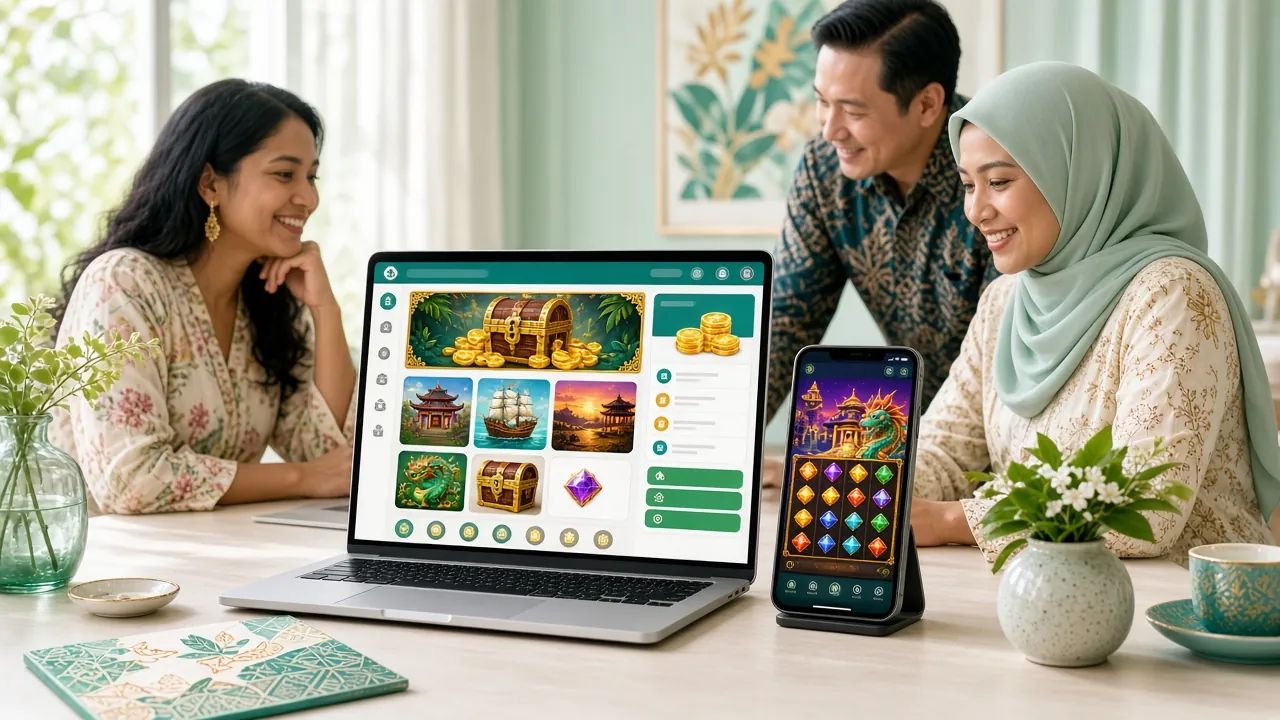
The myspin app is a free Android client for the same account, wallet and games you already use on the website. One file of 41 MB, Android 9.0 or newer. Download it here, install it in about a minute, then log in with your usual details.
myspin.apk · 41 MB Android 9.0+ 18+ · Play Responsibly
- Version
- 3.8.16
- File size
- 41 MB
- Min. Android
- 9.0
- Updated
- 11 Nov 2026
- Price
- Free
The myspin app in your pocket: same wallet, same lobby
- One account, no second wallet. Sign in with the username and password you use on the website and your balance is already there.
- Local cashier built in. Touch ’n Go eWallet, DuitNow, FPX and bank transfer all sit in the app, with deposits landing in about 6 minutes.
- Made for a small screen. The lobby, live tables and bet slip resize to portrait instead of shrinking a desktop layout.
- Support on tap. 24/7 live chat opens from the app menu, and withdrawal requests start from RM130 whenever you are ready.
myspin app download: version, size and Android requirements
The install file is served from this page, so the build you get matches the one we test. Check the numbers below against what your phone reports after installation. If the version it shows is different, clear your browser cache, then download again before you open the file.
What the app adds to a normal browser session
Lobby that picks up where you left
Open the app and the last game you played sits at the top. Recent slots, live tables and football markets are one tap away, so you are not scrolling through 1,800 titles every session.
Cashier built for Malaysian wallets
Touch ’n Go eWallet, DuitNow, FPX and bank transfer share one screen. Deposits usually confirm in about 6 minutes, and you can save a method so the next top-up takes two taps.
Live tables on a small screen
European Blackjack and the rest of the live dealer floor resize to portrait without hiding the betting box. Chat, limits and the dealer feed stay visible on a mid-range Android phone.
Withdrawals without the guesswork
Requests start at RM130 and the cashier shows the 45-minute target before you confirm. Your remaining daily allowance, up to RM14,500, sits next to the amount field.
Football prices while the match runs
In-play markets refresh without a page reload and the bet slip stays open when you switch tabs. Pin two or three matches to keep scores and prices in view.
Help that is one screen away
Live chat runs 24/7 from the app menu and each session carries a reference number. Screenshots of a failed deposit or a slow withdrawal go straight into the chat, which saves a round of questions.
Inside the lobby: slots, live tables and football prices
Every one of the 1,800 titles from JDB, Habanero, PG Soft, KA Gaming, Evolution and CQ9 loads in the app. The live dealer grid mirrors what you see in the myspin casino, and football prices live in their own tab so the slots lobby stays easy to scan.


| Game | Provider | RTP | Min bet | Max bet |
|---|---|---|---|---|
| European Blackjack | JDB | 97.0% | RM0.10 | RM1,000 |
| Dino Hunter | CQ9 | 97.5% | RM0.10 | RM2,500 |
| Mahjong Ways 2 | Evolution | 97.3% | RM1 | RM1,000 |
| Tower | KA Gaming | 97.8% | RM2 | RM500 |
| Relax Fishing | PG Soft | 97.5% | RM0.10 | RM100 |
| Treasure Hunt | CQ9 | 96.0% | RM0.50 | RM2,500 |
Installing the myspin app on Android in five steps
-
1
Allow installs from your browser
Open Settings, go to Apps, then Special app access and Install unknown apps. Pick the browser you will download with and switch Allow from this source on. The labels move slightly between Android versions, so use the search box in Settings if you cannot find it.
-
2
Download myspin.apk
Come back to this page and tap Download APK. The 41 MB file saves to your Downloads folder, usually well under a minute on 4G. If your browser asks where to put it, keep the default location so the next step is simple.
-
3
Open the file and confirm the install
Tap the finished download, or open Downloads and select myspin.apk, then press Install and wait for the package check. If Play Protect shows a warning, choose More details and then Install anyway. That prompt appears for every app installed outside the Play Store.
-
4
Log in with your myspin details
Open the app and sign in with the username and password you already use on the site. New to myspin? Tap Register, finish the short form, then return to the app. One account covers the app, the browser and the casino lobby.
-
5
Add a wallet and make a deposit
Open the cashier, choose Touch ’n Go eWallet, DuitNow, FPX or bank transfer, and confirm from RM20. Funds normally land in about 6 minutes. A first deposit unlocks the 185% welcome bonus up to RM475, with 16x turnover before withdrawal.
iPhone and iPad: add the site to your home screen
- Use Safari. Open myspin.im in Safari; other iOS browsers cannot pin a home screen icon.
- Tap Share. The share icon sits in the toolbar at the bottom of the screen.
- Pick Add to Home Screen. Scroll the share sheet until you see it, then tap it.
- Name it and save. Type myspin and tap Add. The icon opens the full mobile site.
There is no APK for iOS. The saved icon loads the same account, cashier and games, and you can play without installing anything. Check the deposit guide for wallet steps on iOS.
Before you tap Install
Three quick checks save most failed installs.
- At least 100 MB free storage
- Android 9.0 or newer
- File reads 41 MB, v3.8.16
myspin app or mobile browser: which one suits your play
Both routes use the same account and the same wallet, so you are not locked in either way. The difference shows up in repeat visits: the app keeps your lobby, saved payment method and session in place, while a browser starts closer to fresh each time you open it.
| What you get | myspin app | Browser version |
|---|---|---|
| Install | One 41 MB APK, Android 9.0+ | Nothing to install, any phone |
| Sign-in | Stays signed in until you log out | Session can end when the browser clears |
| Lobby speed | Cached tiles, lighter repeat loads | Full page load on each visit |
| Live tables | Portrait layout with a fixed bet box | Depends on browser zoom and screen |
| Cashier | Saved method, two-tap top-up | Details re-entered each time |
| Updates | New APK from this page | Always the current build |
| Storage | 41 MB plus a small cache | Cache only |
| Best for | Regular play on one Android phone | Quick checks on shared devices |
On a shared or work phone, stick with the browser and log out after each session. On your own device, the app is the faster route to the lobby and the cashier. Either way, the same login works on both.
Permissions, file checks and staying safe
-
Permissions the app actually uses
Storage, so it can save updates and screenshots; network access; and notifications if you switch them on. It does not read your contacts, SMS or call logs. Everything it requests is visible under Settings, Apps, myspin, and you can revoke access at any time.
-
Download from this page only
APK files passed around in WhatsApp groups or hosted on unrelated download sites are not ours and may be altered. The myspin.apk link on this page delivers the tested build: 41 MB, version 3.8.16, updated 11 November 2026.
-
Your login stays on your device
Sessions end when you log out or remove the app. Never share your password or one-time codes in chat, including with someone who says they are from support. Our team asks for a username, never a password.
-
Check the file before you install
Before tapping Install, confirm Android reports 41 MB and version 3.8.16. A much smaller file usually means the download stopped early, while a different version number points to an older or repackaged copy that should be deleted.
If a deposit or withdrawal looks wrong, open live chat before doing anything else. Withdrawal requests are typically handled within 45 minutes, and the cashier keeps a reference for each one.
When the install stalls: five fixes worth trying
| What you see | Why it happens | What to do |
|---|---|---|
| Install button is greyed out or blocked | Install unknown apps is still off for the browser you downloaded with | Go to Settings, Apps, Special app access, Install unknown apps, choose that browser and allow it. Then open myspin.apk from Downloads again. |
| “App not installed” after the check | An older myspin build is already on the phone, or storage is nearly full | Uninstall the previous version first, clear a little space, then run the installer again. Your account and balance are unaffected. |
| “Parse error” when opening the file | The download stopped early, often on a weak mobile connection | Delete myspin.apk, switch to Wi-Fi and download once more. The finished file should read 41 MB before you tap it. |
| Play Protect warning about an unknown app | Standard notice for any app installed outside the Play Store | Tap More details, then Install anyway. The message is not specific to myspin and does not mean the file is damaged. |
| App opens, then closes straight away | Android older than 9.0, or a cache clash after an update | Check your Android version first. If it is 9.0 or newer, clear the app cache and reopen, or reinstall the current APK from this page. |
Still stuck after all five? Live chat is open 24/7 and can confirm the exact build you should be running.